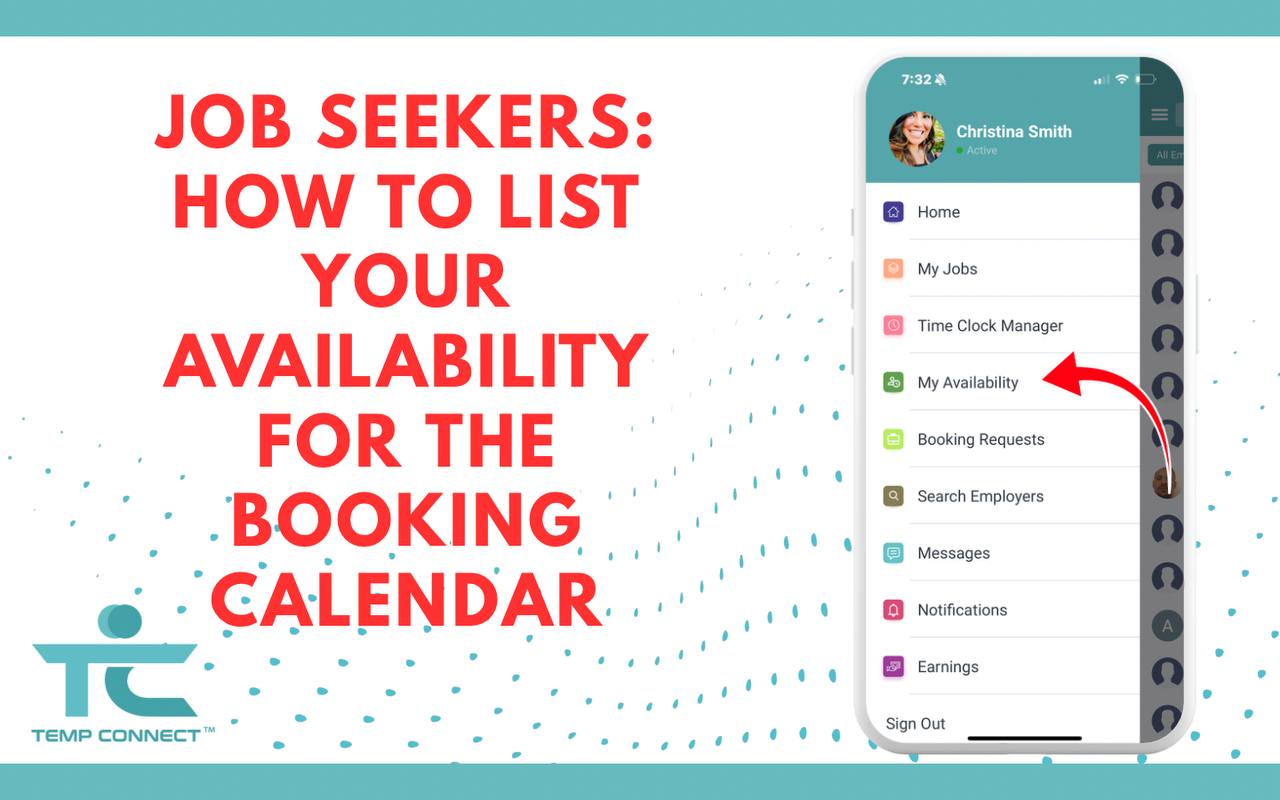
Temp Connect’s Booking Calendar helps you get hired faster. Here’s how to set your availability and get booked for jobs that fit your schedule.
Job Seekers: How to List Your Availability for the Booking Calendar
Want to get hired faster on Temp Connect? Start by setting your availability on the Booking Calendar.
This feature shows employers when you’re available to work, making it easier for them to connect with you instantly for temp and gig jobs.
Here’s how to do it:
Step 1: Log in to Your Account
Open the Temp Connect app or visit www.tempconnect.app and sign in to your job seeker profile.
Step 2: Go to the Booking Calendar
Navigate to the “Booking Calendar” tab. This is where you’ll add your availability.
Step 3: Set Your Availability
Select the dates and times that suit you for work. You can update this as often as you like—whether you’re available every day, on weekends, or for specific shifts.
The more accurate and up-to-date your calendar, the better your chances of being booked by an employer.
Step 4: Keep It Current
If your plans change, update your calendar. Employers rely on this tool to find workers who are ready when they are.
Why This Matters
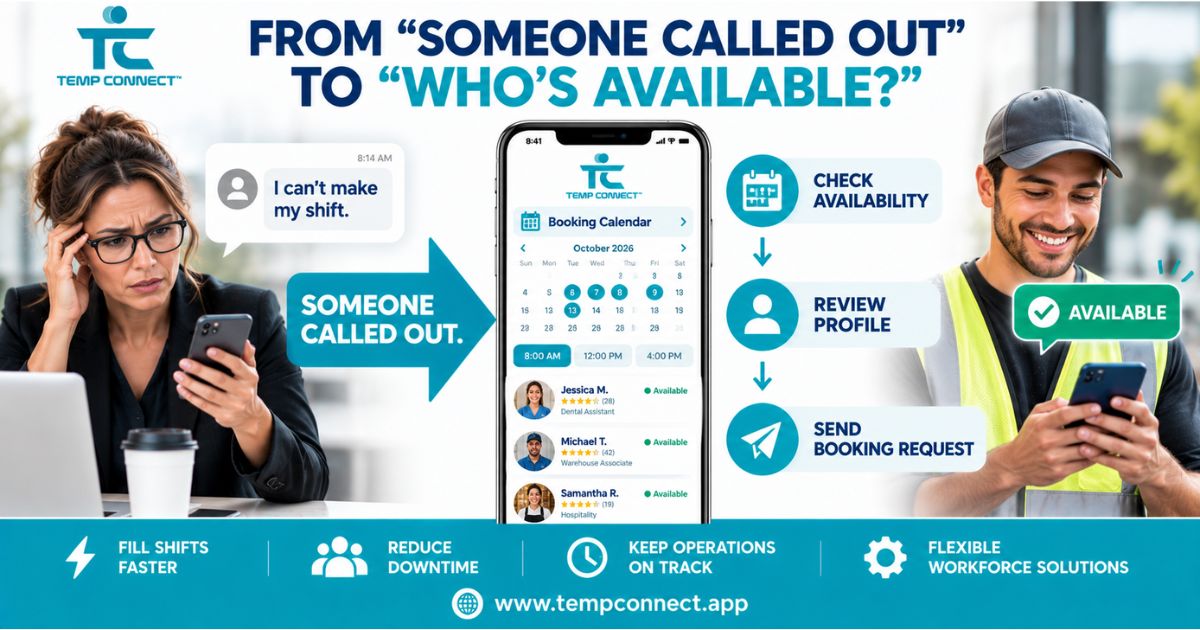
Employers can now book you instantly based on your listed availability. This makes it easier to get hired quickly without repeatedly applying.
You’ll get noticed, get hired, and get paid faster.
Bonus Tip: Turn on Notifications
Enable alerts in your settings so you don’t miss a booking opportunity.
Take Control of Your Schedule
Temp Connect is built for flexibility. The Booking Calendar gives you more control over time, work, and income.
List your availability today—and make yourself easy to hire.



Experience the future of recruitment with Temp Connect. Whether you’re looking to hire or seeking new opportunities, we’re here to make your journey as smooth and successful as possible. Join our community today and take the first step towards a more efficient, inclusive, and reliable recruitment experience. Your next opportunity awaits at Temp Connect.